


- Home
- Editor
- The building blocks
- Actions
- Deactivate
Deactivate
Description
The “deactivate item” piece allows you to make a previously visible character, object, clickable area, poster, or scene disappear from the game.
In-game view
After you deactivate an object, the player will not be able to see or interact with it.
How to set it up
- Select the type of item you want to deactivate.
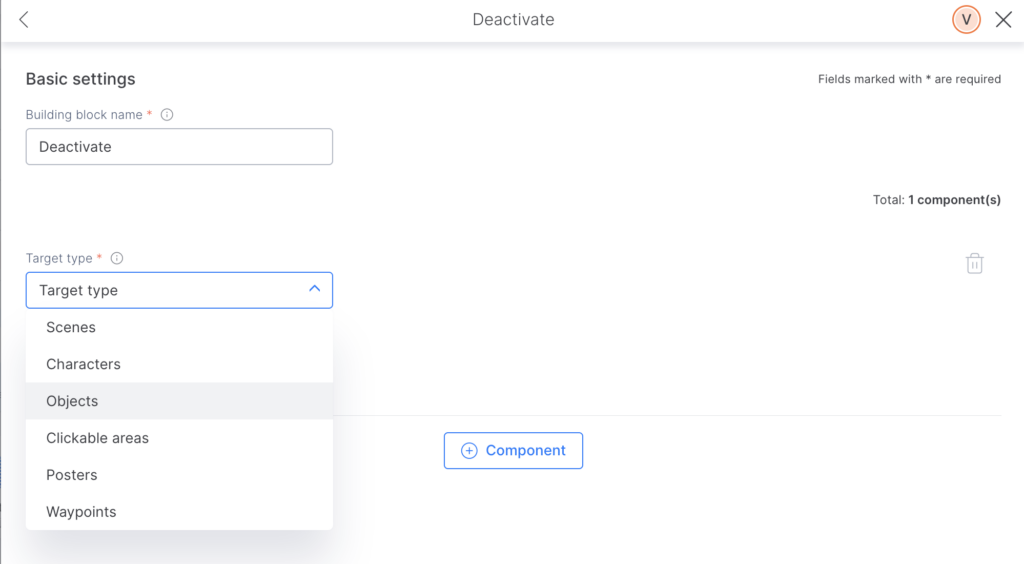
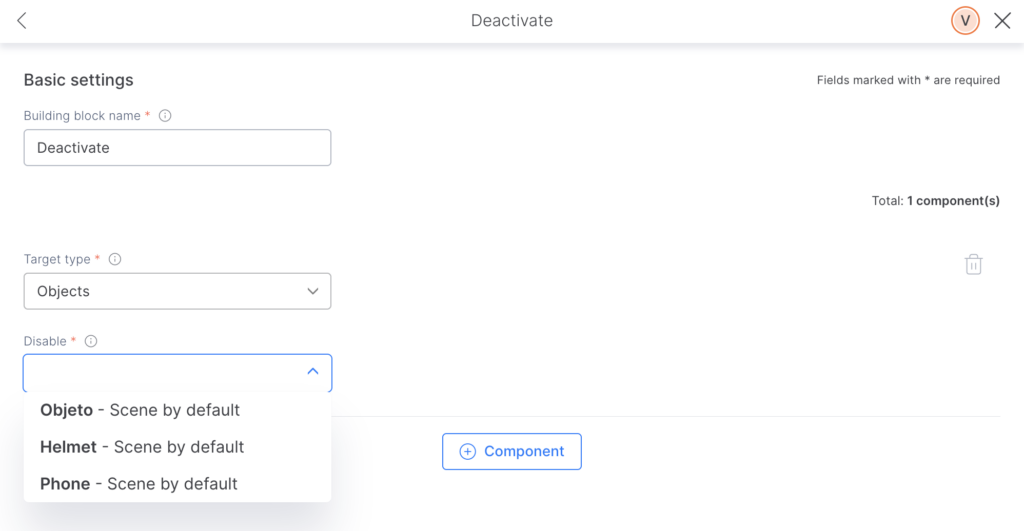
2. Building block: Choose the item you want to deactivate.
Tips and tricks
- Remember, you can only disable items that are previously included in your outline.