


Placard
The “Placard” building block is an image to which you can add text and/or audio.
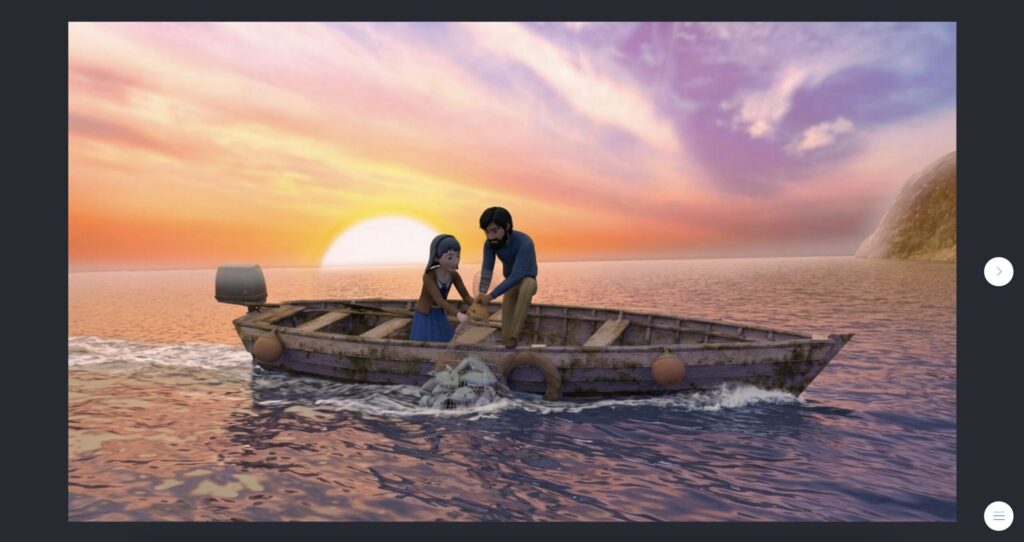
In-game view
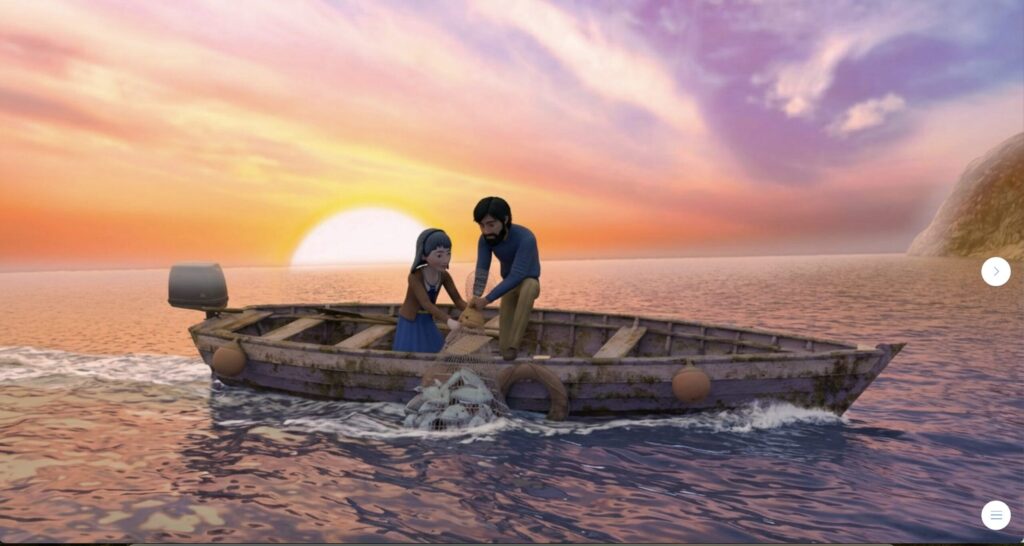
The card appears centered on a full screen, but it can be expanded to fill the entire game window.
How to set it up
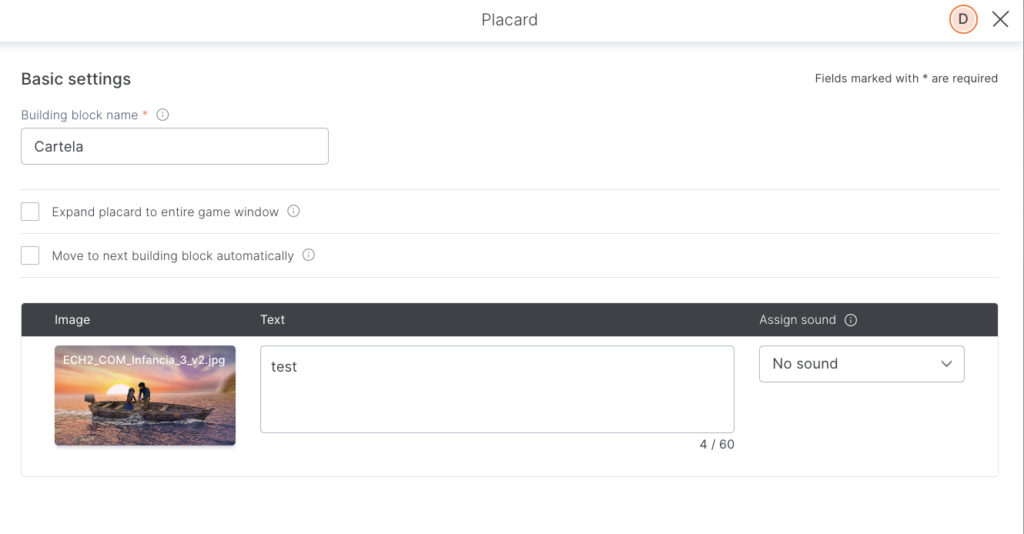
Choose an image or a video, add text (optional), and sync up any audio (optional, it can be your own mp3 file or a character's synthetic voice).
When the "Move to next building block automatically" option is enabled, a timer appears. You must enter the number of seconds you want the image or video to remain on screen before moving on to the next piece.
TIPS AND TRICKS
- If you want to use it to tell a story, it’s probably better to use the “Comic strip” building block, as it allows you to add multiple images and character or narrator dialogues.