


- Home
- Editor
- The building blocks
- Actions
- Open phone
Open phone
With the “open phone” building block, the player can open their smartphone to refer to documents or applications.
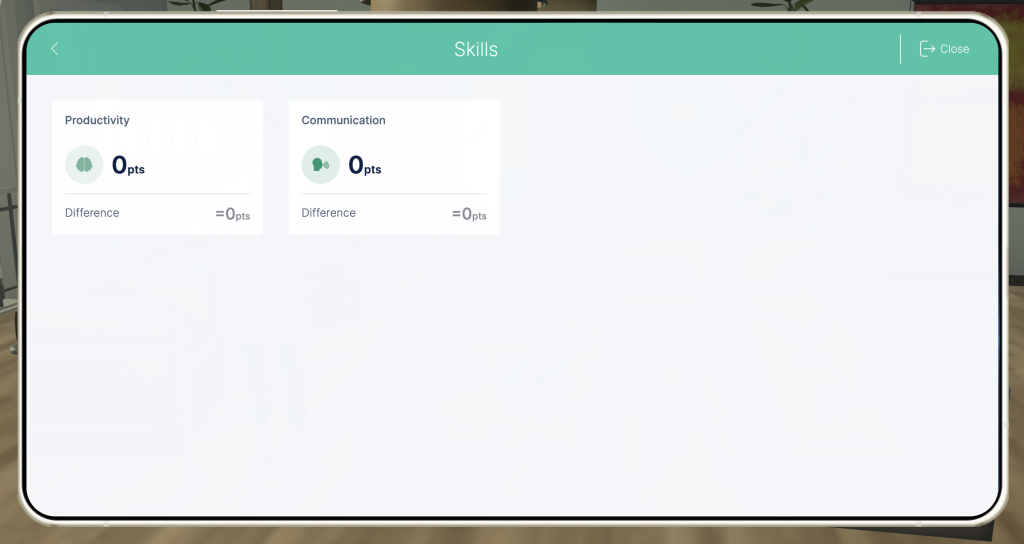
In-game view
The phone will open to the app you choose, depending on the information you want the student to see.
How to set it up
- Choose the application you want to open.
- If you have selected the notepad application, choose which section you want the phone to open to within that app.
TIPS AND TRICKS
- Use this resource to remind players that information relevant to the game is stored on their phone.
- Ideally, players will use the phone of their own accord to refer to documents they’ve seen in the past.